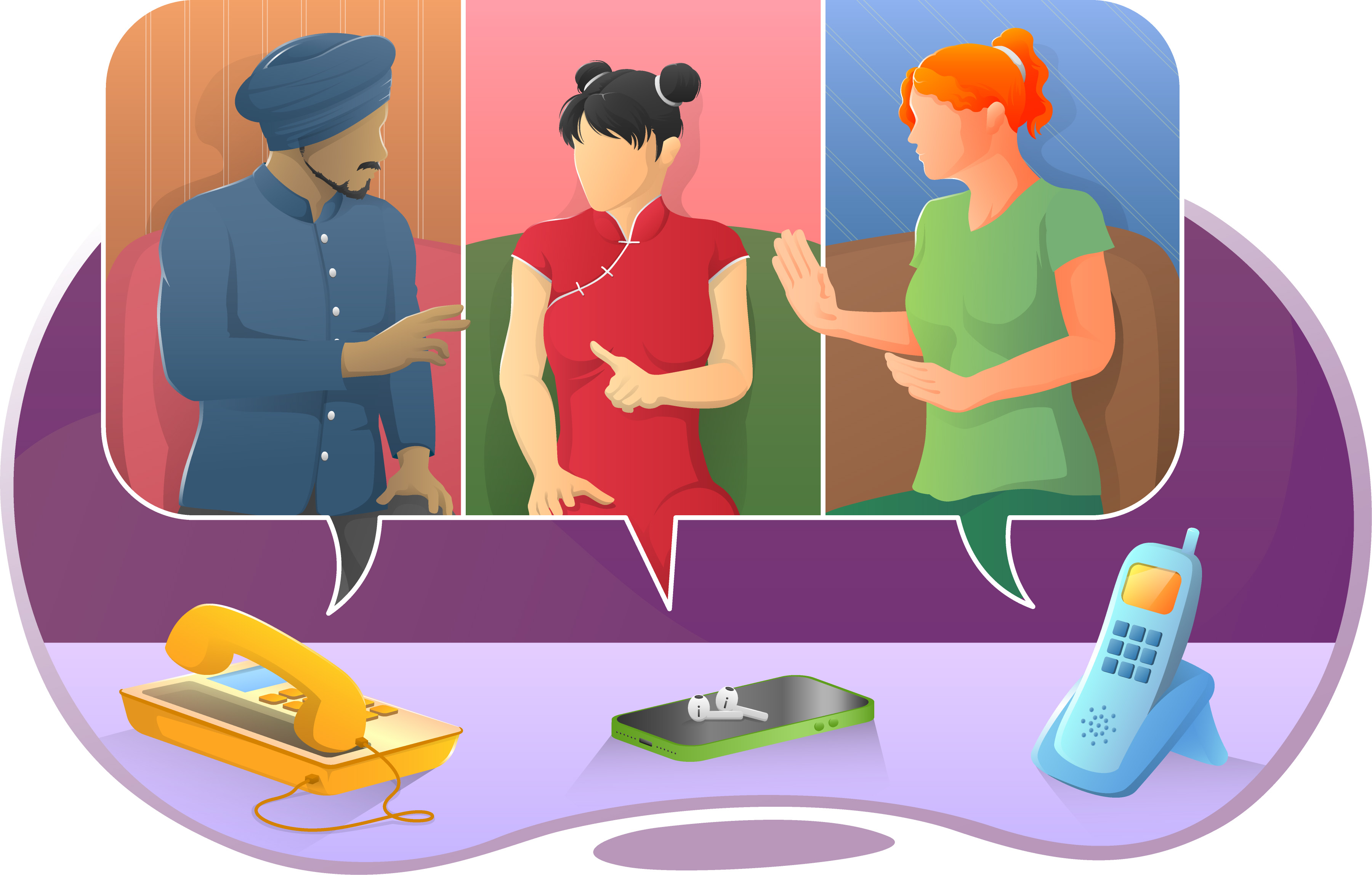
Call Conferencing
Any Voipfone customer can use this service for free when calling from the Voipfone network. Your colleagues and friends can also join from any ordinary telephone anywhere in the world, even if they are not a Voipfone customer.
You can hold a conference with any number of people to last as long as you like, any time you like. In fact, you can see it as a room that we built for you when you registered with us, It’s always open for you and your guests to walk into, anytime.
How Much Does It Cost?
It’s absolutely free to call the 0843 access number for all Voipfone customers. Callers using the ordinary telephone network will be charged the standard 0843 rates, which for BT at the moment are between 1.5p/minute and 8p/minute depending on time of day. Calls to 0843 from outside the UK will be charged at the providers standard rates.
How Do I Use It?
To set up your first conference, go to ‘My Account’ and enter your user name and password. Click on ‘Allocated Numbers’ where you will see the Voipfone conference telephone number. Click on ‘set PIN number’ and choose any 4 digit number. That’s it; easy.
What's Next?
To make a conference call once you’ve set it up, tell your colleagues:
1: The time and date of your conference (you can, in fact, enter your conference room at any time – it’s just a lonely experience if you arrive an hour or a day early :-)
2: The telephone number to call 0843 176 00 00 (To call from outside the UK dial 0044 843 176 00 00.)
3: The conference room number, which is your Voipfone account number, (that’s the 300XXXXX number that you were given when you first registered with us).
4: The PIN number which you just set up.
When you or your guests dial in to the number the announcer will ask for your conference number followed by the PIN; then you’re in. Talk for as long as you like with as many people you can manage. We find 4-5 people optimal but with good chairmanship many more can be accommodated.



